How To Modernize A Legacy System Without Downtime Using AI Workflows
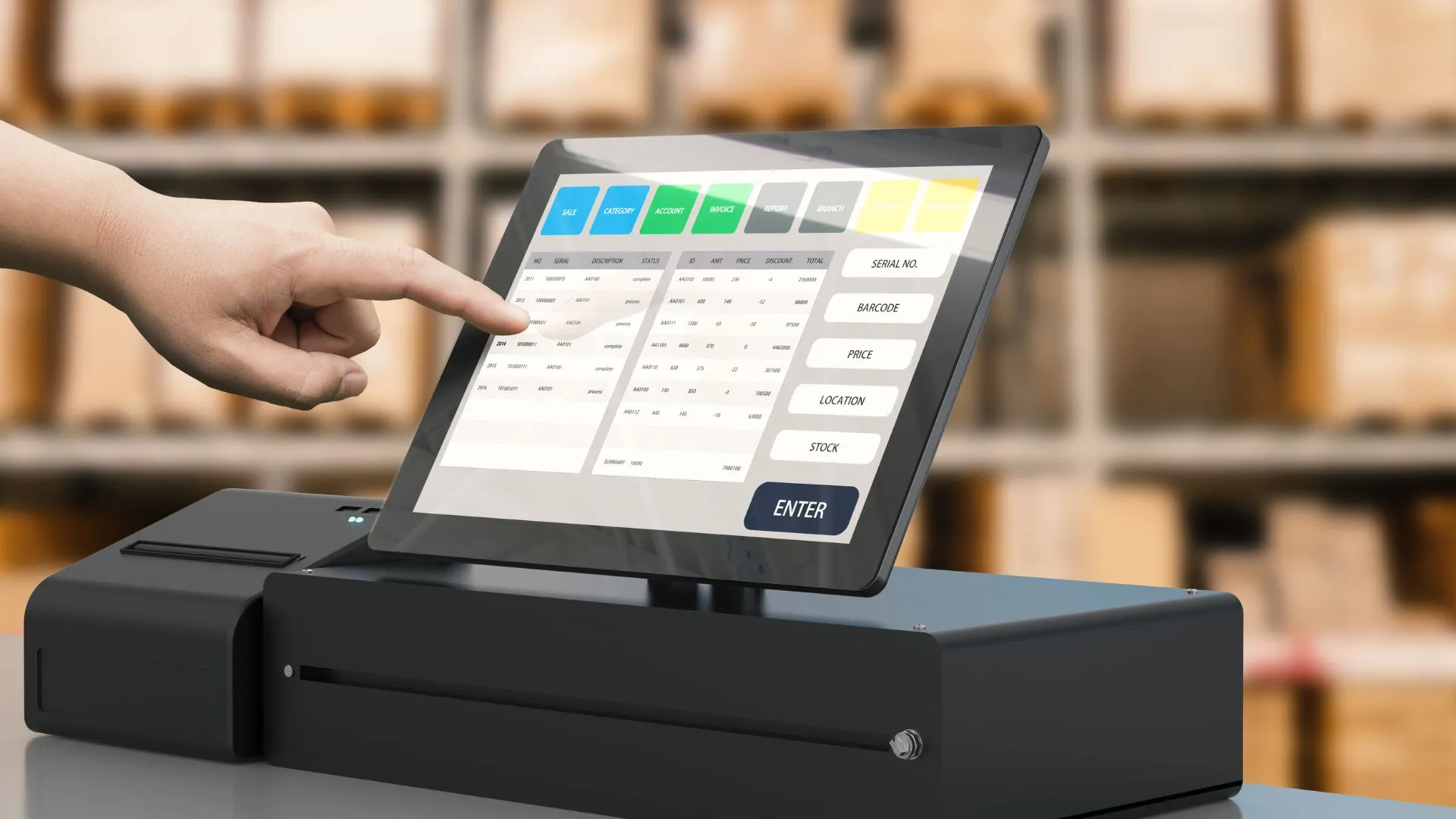
Every team with an aging core system knows the bind. The software is expensive to change and the business depends on it, so nobody wants to be the person who takes it down.
Waiting has a price too: poor software quality cost the U.S. economy at least $2.41 trillion in 2022, and the technical debt behind it has grown to about $1.52 trillion, according to the Consortium for Information and Software Quality.
Generative AI has made the standoff look easier to break. McKinsey estimates that it can accelerate modernization timelines by 40 to 50 percent. Gartner predicts that overestimating it will sink more than 70 percent of mainframe exit projects started in 2026. Both findings can be true at once.
Albert Tejera of Euvic US covers the problem in the video below. This article turns his advice into a five-step plan to modernize a legacy system without downtime, and shows where AI belongs in it.
Why Nobody Wants To Touch The Legacy System
McKinsey found that up to 70 percent of the software used by Fortune 500 companies was developed 20 or more years ago, and one European bank it profiled spent 70 percent of its IT capacity maintaining legacy systems.

Your legacy system, whether you like it or not, looks like it's from the nineties and everybody internally is afraid to touch it. Honestly, that makes sense because it's core to the business."

Most teams already know what the finished system should look like. Getting there while people still depend on the old one every day is the hard part, and the way through is a sequence of small, reversible moves.
A Five-Step Plan To Modernize Without Downtime
The plan follows the strangler fig pattern, a standard method for replacing a legacy system piece by piece while users keep working through the same interface.
- Map what the system actually does. Start with the behavior nobody documented. Interview longtime staff, read the code, and list every integration. AI speeds this step up, as the next sections show.
- Put a front door in front of it. Route traffic through a thin layer so old and new pieces can sit behind the same interface. Users see no change while the team works, and the layer later becomes the switch that moves traffic from old to new.
- Move the lowest-risk module first. Pick a module with few dependencies and prove the release process before anything touches the core. Each later module then ships on a path that has already worked.
- Shift traffic gradually, with a rollback ready. Send a small share of users to the new module, compare results with the old one, and widen the share as confidence grows. Every step needs a tested way back, because the ability to reverse a release is what makes the next one safe to attempt.
- Retire old pieces only after validation. Switch off the legacy component once the new one has proven itself, then repeat with the next module. Thoughtworks describes the same loop of building, rerouting traffic, and retiring old components.
Bottom line is your legacy system does not need to stay legacy forever, but you need a team you trust."
What Phased Delivery Looks Like In Practice
Euvic has delivered phased modernization where stopping was never an option. Two automotive companies were operating 14 factories on disconnected software, with an engine coming off the line every 18 seconds. The resulting platform runs on 12 core modules, from production planning to a real-time dashboard.
Euvic connected more than 30 ERP, logistics, finance, and production systems into one platform and rolled it out in phases with zero production downtime, because obviously the line couldn't stop."
The same logic holds for a document management platform relied on by the FAA, DOJ, and NIH. Over about 20 years, Euvic has supported every major release, and the modular architecture lets new features roll out without overhauling the core.
The platform began as on-premise software and now supports on-premise, hybrid, and full-cloud deployments. Per the case study, the work included 1,852 test cases and 563 bug fixes across 90 user stories, which shows how much testing discipline a phased approach demands.
With records that sensitive, an upgrade just cannot take the system down. So it was built in modules and new features ship without disrupting operations."
Where AI Helps And Where It Falls Short
The slowest part of most projects is step one. McKinsey reports that generative AI can turn legacy documentation, code, observability data, and call logs into plain-English process descriptions within minutes.
Engineers can also feed in interview transcripts from longtime staff to fill gaps. That shortens the discovery phase that usually delays the first module.
Euvic's AI-powered delivery process applies the same logic. It ingests existing documentation and old code to draft a solution design, then generates test scenarios and documentation, with a person reviewing each step.



The risk sits on the other side. Gartner analyst Alessandro Galimberti describes a widening gap between the marketing promise of GenAI and its real-world ability to migrate complex legacy code.
McKinsey names a related trap: feeding old code straight into a translation tool only moves the tech debt into a modern language. It adds that product owners, engineers, and architects remain essential for defining what the legacy system is for and where it should go.
A workable rule follows from both. Let AI understand, document, test, and draft, and leave decisions, reviews, and releases to engineers.
Every surrounding system also has to be wired in first, which our system integration guide covers. For the project-level view, see our posts on why enterprise AI projects fail and AI readiness.
Start Small, Prove It, Then Scale
Begin with the lowest-risk module, prove the release path, and let results earn each next phase. Euvic's engineers work alongside North American leadership, you can see how the team builds software, and a software discovery workshop is a low-risk way to scope a phased plan.
Talk to the Euvic US team about your legacy system, or explore our AI solutions and services.
Euvic is a competitive advantage for us. The technical excellence that Euvic has brought is not easily matched and their support has become integral to our growth strategy.

Euvic is a competitive advantage for us. The technical excellence that Euvic has brought is not easily matched and their support has become integral to our growth strategy.
Euvic is a competitive advantage for us. The technical excellence that Euvic has brought is not easily matched and their support has become integral to our growth strategy.

Talk to Your Local Euvic Team